

This post is the continuation if the previous post: How to print custom PDF templates of Jira tickets using Confluence
After do the previous post instructions, we can improve the new “printing” system, adding a new button to Print in Word *.doc format instead of PDF.
We can add this javascript to the code:
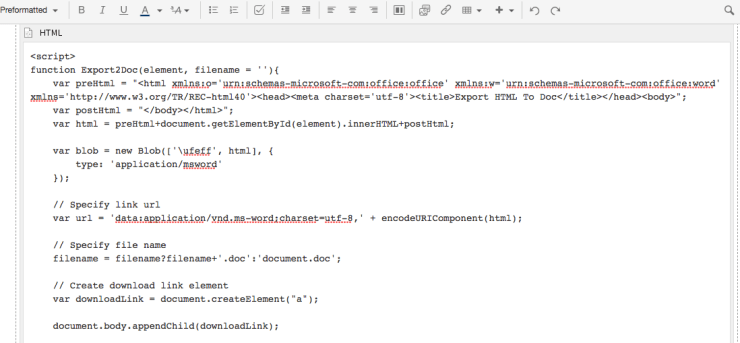
function Export2Doc(element, filename = ''){
    var preHtml = "<html xmlns:o='urn:schemas-microsoft-com:office:office' xmlns:w='urn:schemas-microsoft-com:office:word' xmlns='http://www.w3.org/TR/REC-html40'><head><meta charset='utf-8'><title>Export HTML To Doc</title></head><body>";
    var postHtml = "</body></html>";
    var html = preHtml+document.getElementById(element).innerHTML+postHtml;

    var blob = new Blob(['\ufeff', html], {
        type: 'application/msword'
    });

    // Specify link url
    var url = 'data:application/vnd.ms-word;charset=utf-8,' + encodeURIComponent(html);

    // Specify file name
    filename = filename?filename+'.doc':'document.doc';

    // Create download link element
    var downloadLink = document.createElement("a");

    document.body.appendChild(downloadLink);

    if(navigator.msSaveOrOpenBlob ){
        navigator.msSaveOrOpenBlob(blob, filename);
    }else{
        // Create a link to the file
        downloadLink.href = url;

        // Setting the file name
        downloadLink.download = filename;

        //triggering the function
        downloadLink.click();
    }

    document.body.removeChild(downloadLink);
}
Then you can add another HTML Macro to the Confluence page to put the button to print!

The original code function is extracted from this super web!.
That’s all!
By MrAddon


 www.MrAddon.com ®: Jira & Confluence Administration Support Blog